
October 12, 2026 / 5 min read
Music Landing Page Checklist for Paid Traffic
A practical checklist for turning paid music traffic into a clear next action, without adding friction or pretending every click is a stream.
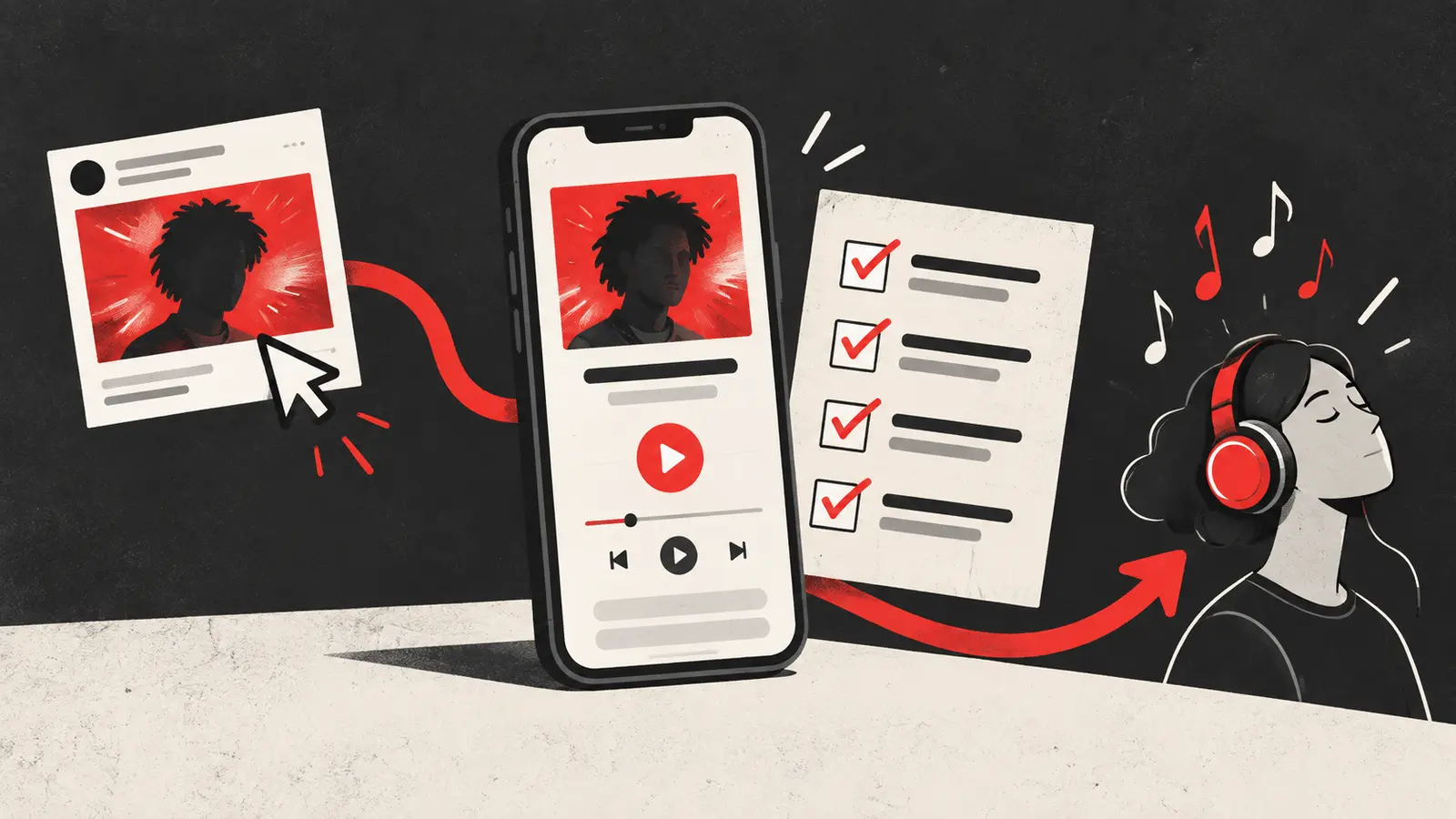
Paid traffic does not fix a confusing listening journey. It only sends more people into it. Before you spend on a music campaign, make sure the page after the ad answers three questions quickly: who is this, why should I care, and what should I do next?
A landing page for an unfamiliar artist has a short window to earn attention. It does not need to explain an entire career. It needs to make the next step feel obvious and worth taking. Use this checklist before sending traffic from Instagram, Facebook, TikTok or another paid channel.
1. Match the page to the ad
The page should continue the promise made by the creative. If the ad opens with a live performance, the page should make that song and performance easy to recognize. If the ad promises a new single, do not send people to a generic homepage where they have to hunt for it.
Check:
- The artist name and song title are visible without scrolling.
- The first image or video feels related to the ad.
- The page uses the same language as the ad, without adding a new unexplained claim.
- The destination works when opened directly, not only when someone arrives through the ad.
This is the first place to diagnose a campaign that gets clicks but no listener growth. The ad may be doing its job while the destination breaks the expectation. Our guide on why music ads get clicks but no listener growth walks through that diagnosis.
2. Put the listening action above the fold
A visitor should not need to scroll through a biography, press quotes and a gallery before finding the song. Put the primary listening action near the top. Use a button label that describes the action, such as “Listen to the single” or “Play the new release,” rather than a vague “Click here.”
The page can still include context. Put it after the first decision point:
| Page area | Job |
|---|---|
| Headline and song identity | Confirm the visitor is in the right place |
| Short proof or context | Give the unfamiliar artist a reason to continue |
| Primary listening button | Create one obvious next step |
| Secondary links | Help visitors who need another platform or more information |
| Fan signup or contact action | Create a future relationship when appropriate |
Do not confuse more content with more persuasion. A paid visitor often needs less, better organized.
3. Make the page usable on a phone
Most social traffic arrives on a mobile device. Test the page on a real phone or a narrow browser window, not only on a desktop monitor. The first screen should show the song identity and the main action. Text should be readable without pinching. Buttons should be easy to tap with one thumb.
Look for practical failures:
- A cookie or age prompt covers the listening button.
- An autoplay video delays the page or starts with sound.
- A large image pushes the button far below the first screen.
- A sticky element overlaps the button.
- The page jumps while fonts or images load.
For the technical side, Google’s Core Web Vitals documentation covers loading performance, responsiveness and visual stability. These metrics are not a promise of ad performance, but they are useful signals for whether the page is creating avoidable friction.
4. Choose a clear link structure
A direct streaming link can be the shortest route when the campaign is built for one platform and the audience is already qualified. A smart link can make sense when the audience uses different services or when you need a structured choice. The important question is not which format is universally better. It is whether the choice fits the visitor and the campaign.
Read Spotify smart links vs direct links before choosing. Then test the actual page on the devices and markets you plan to target.
5. Track the steps you can honestly observe
Set up a naming system before launch. At minimum, record the source, campaign, creative and destination. If your link tool supports event tracking, distinguish the page visit, the click on the streaming button and any signup or application. Do not label a button click as a confirmed Spotify stream unless you have a reliable, authorized measurement path for that event.
Meta’s definition of unique landing page views is useful when separating people who clicked from people whose destination actually loaded. Use that distinction in your report. A landing-page view still is not a stream, but it tells you more than a link click alone.
6. Give the visitor a reason to remember the artist
A new listener may not know the artist, so the page needs a compact point of view. Try one sentence that explains the emotional or musical entry point: a late-night electronic track, a sharp indie confession, a dance record built for the last song of the night. Avoid generic claims such as “the next big thing.”
The best sentence is specific enough to orient someone and open enough to let the music prove itself. Pair it with a visual, a short clip or a lyric fragment only when it helps the visitor decide.
Final pre-launch check
Open the page from the exact ad link and complete the journey yourself. Confirm that the correct song loads, every button works, tracking parameters survive the redirect, the page looks good on a phone and the contact or signup action is clear. Save a screenshot of the first screen and record the version you launched.
A landing page is part of the campaign, not a technical afterthought. When the destination is clear, you can learn whether the creative, audience or offer needs work instead of blaming every weak result on the ad. If you want help building and testing that journey, apply to work with Shuffle.
Want this run on your release?
We take on a limited number of artists and labels, and we read every application ourselves.
Apply to Work With Us